CODE WORKSPACE
Save it! Find it! Reuse it!

Save, organize, and transform your code snippets

Your code is not locked in

Turn scattered snippets, fixes, notes, and ideas into a reusable code workspace. Organize them into collections and projects, import from GitHub, work with your snippets in VS Code, use built-in AI tools, and collaborate when needed.

GitHub Repository Import Read-only · Personal repositories NEW
VS Code extension Search · Insert · Save snippets LIVE

Export with PLUS or PRO
Save snippets and notes Organize projects Export your workspace

A look inside the real CodShot workspace.
VS CODE EXTENSION
Find it! Insert it! Save it!

Use CodShot without leaving Visual Studio Code.

Your snippets, right where you code

Search your CodShot snippets inside VS Code, open them instantly, copy code faster, and jump back to CodShot when you need the full workspace experience.

VS Code extension Search · Insert · Save snippets LIVE
Open in CodShot Jump to the full workspace FAST
Export with PLUS or PRO
Search snippets instantly Insert reusable code Open in CodShot anytime

Search, insert, and save snippets directly in Visual Studio Code.

GITHUB IMPORT
Connect it! Pick it! Import it!

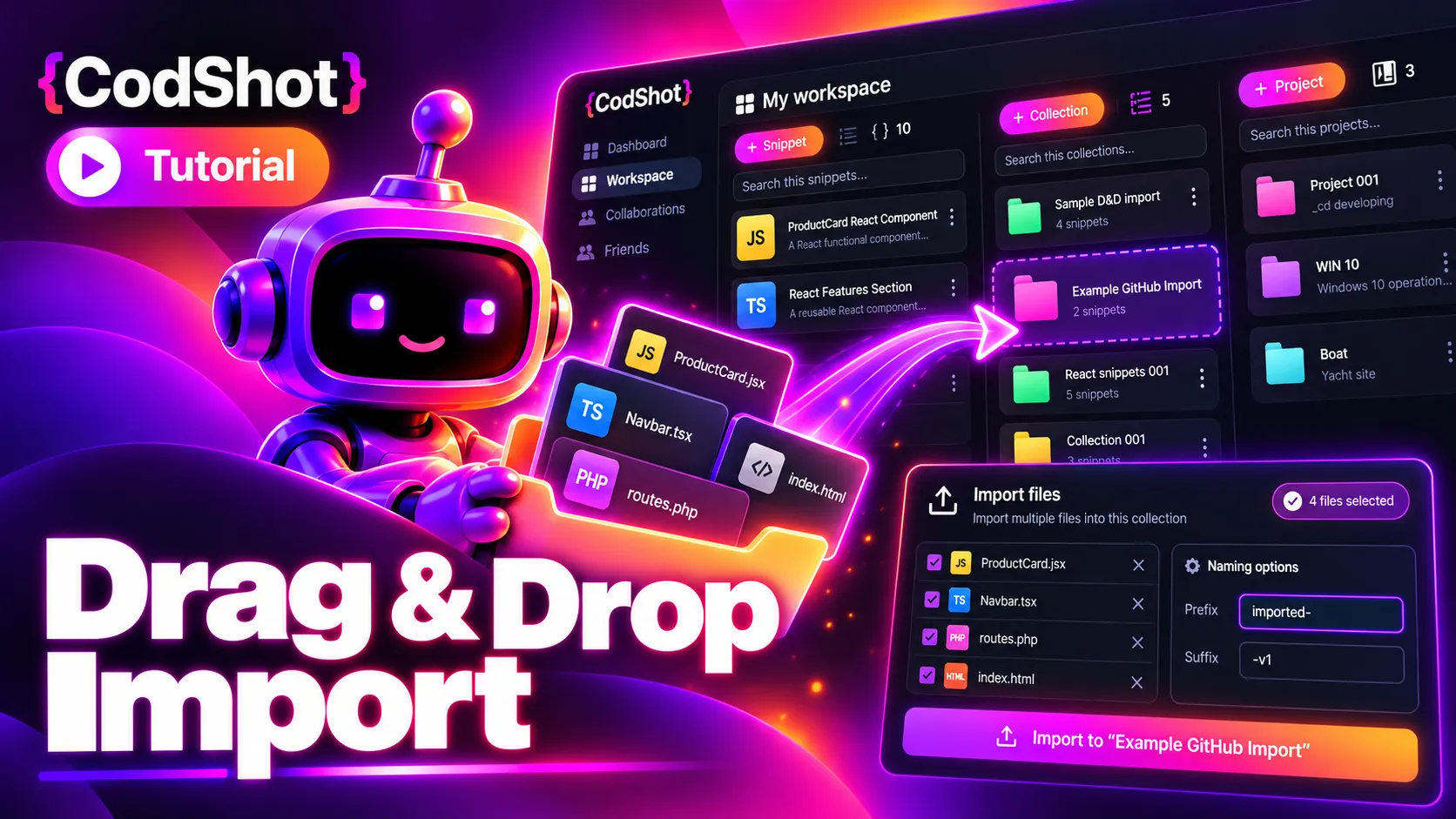
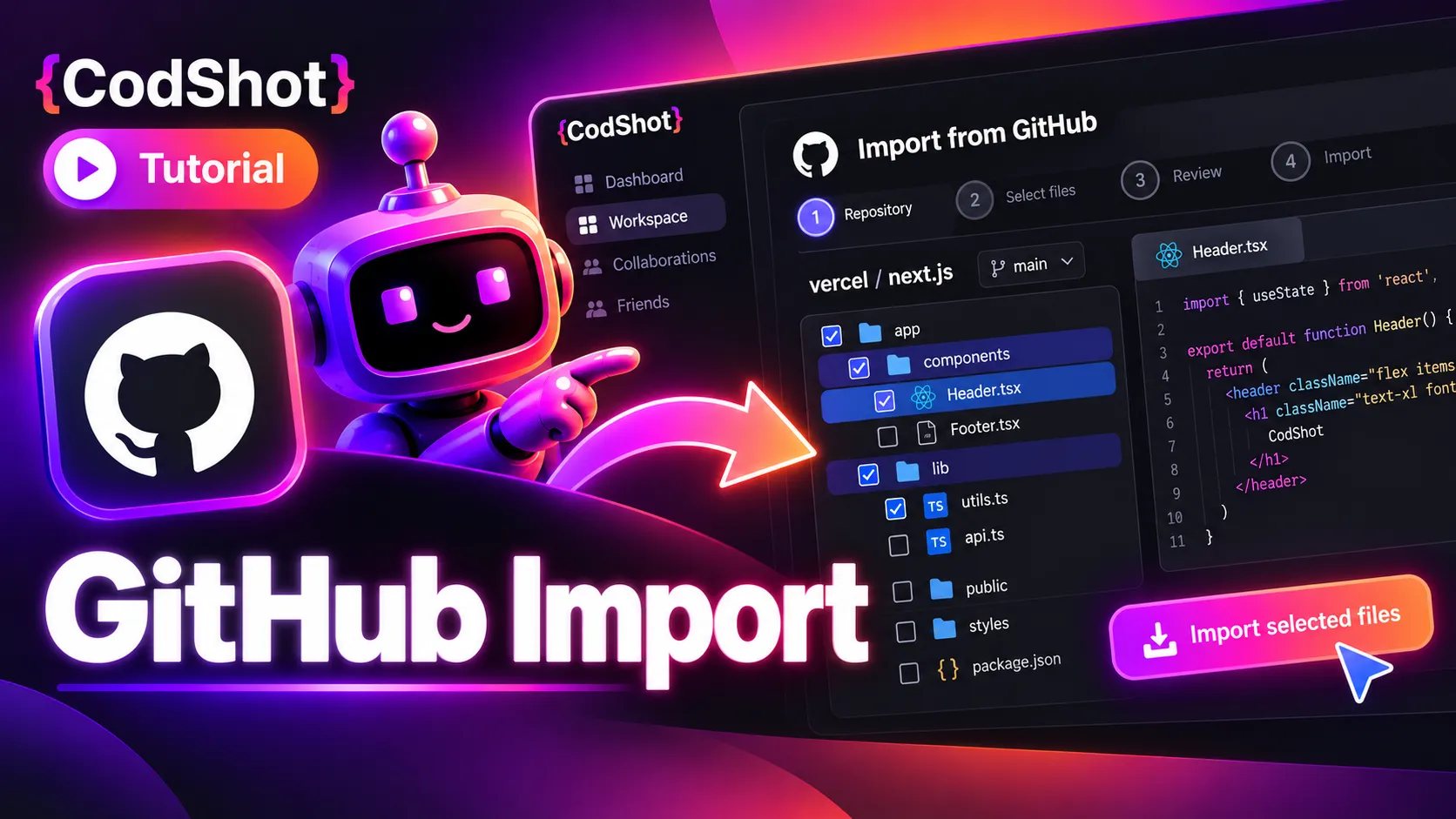
Bring GitHub repositories into CodShot.

Import real project code without copy-paste

Connect your GitHub account, choose a repository, and import only the files or folders you need. Turn existing code into organized snippets while keeping your original repository untouched.

GitHub connection Connect once · Secure access NEW
Repository import Import files or folders FAST
Export with PLUS or PRO
Connect GitHub securely Import files or folders Keep the original repo untouched

Import repository files and folders directly from GitHub into CodShot.

AI TOOLS
Fix it! Improve it! Reuse it!

Use powerful AI tools inside every snippet.

AI assistance built into your workflow

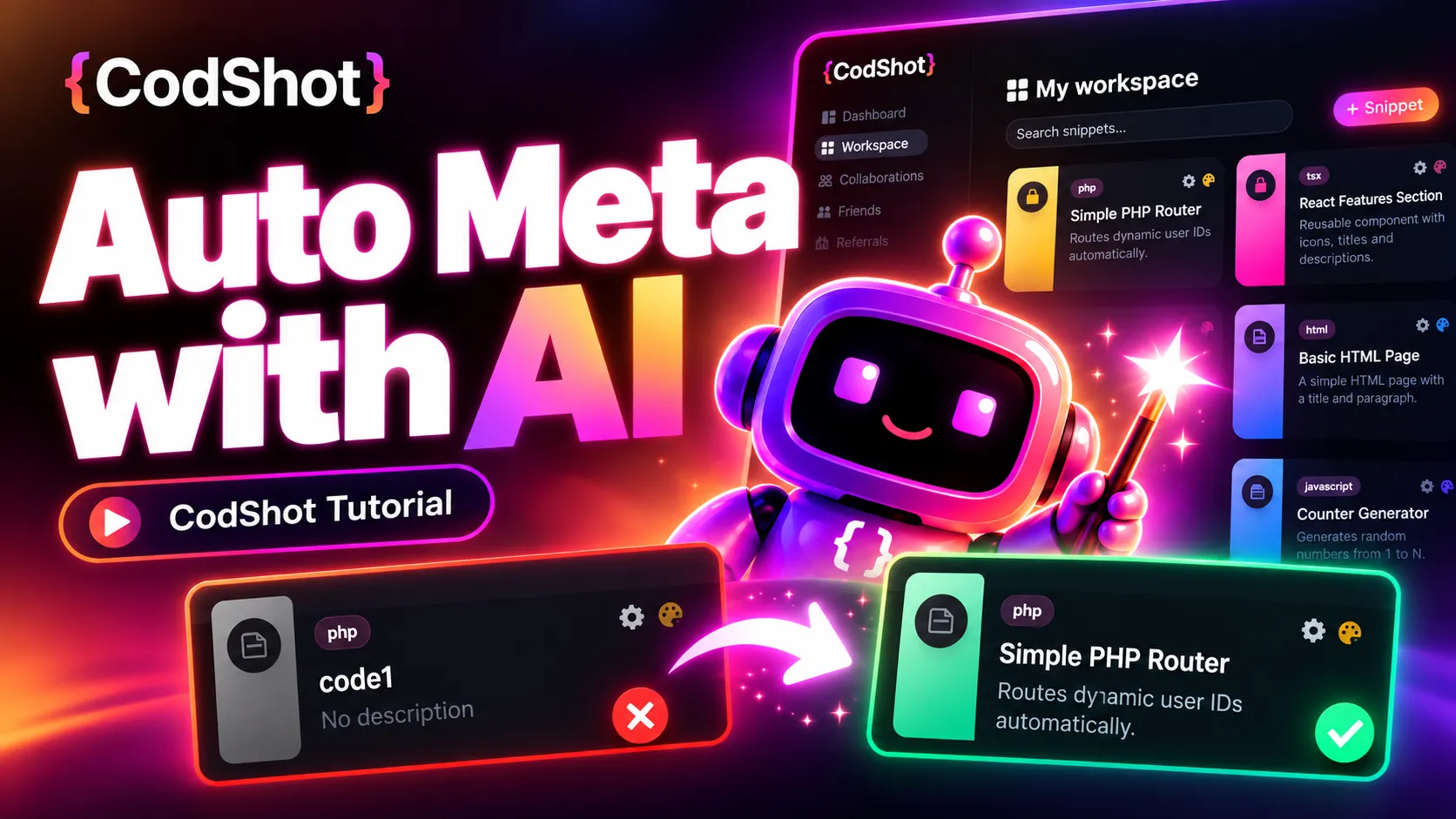
Generate metadata, improve code, read code from files, turn images into code, and save manual versions — all without leaving the snippet page.

AI code tools Fix · Improve · Generate AI
Built into snippets Use tools where you work SMART
Export with PLUS or PRO
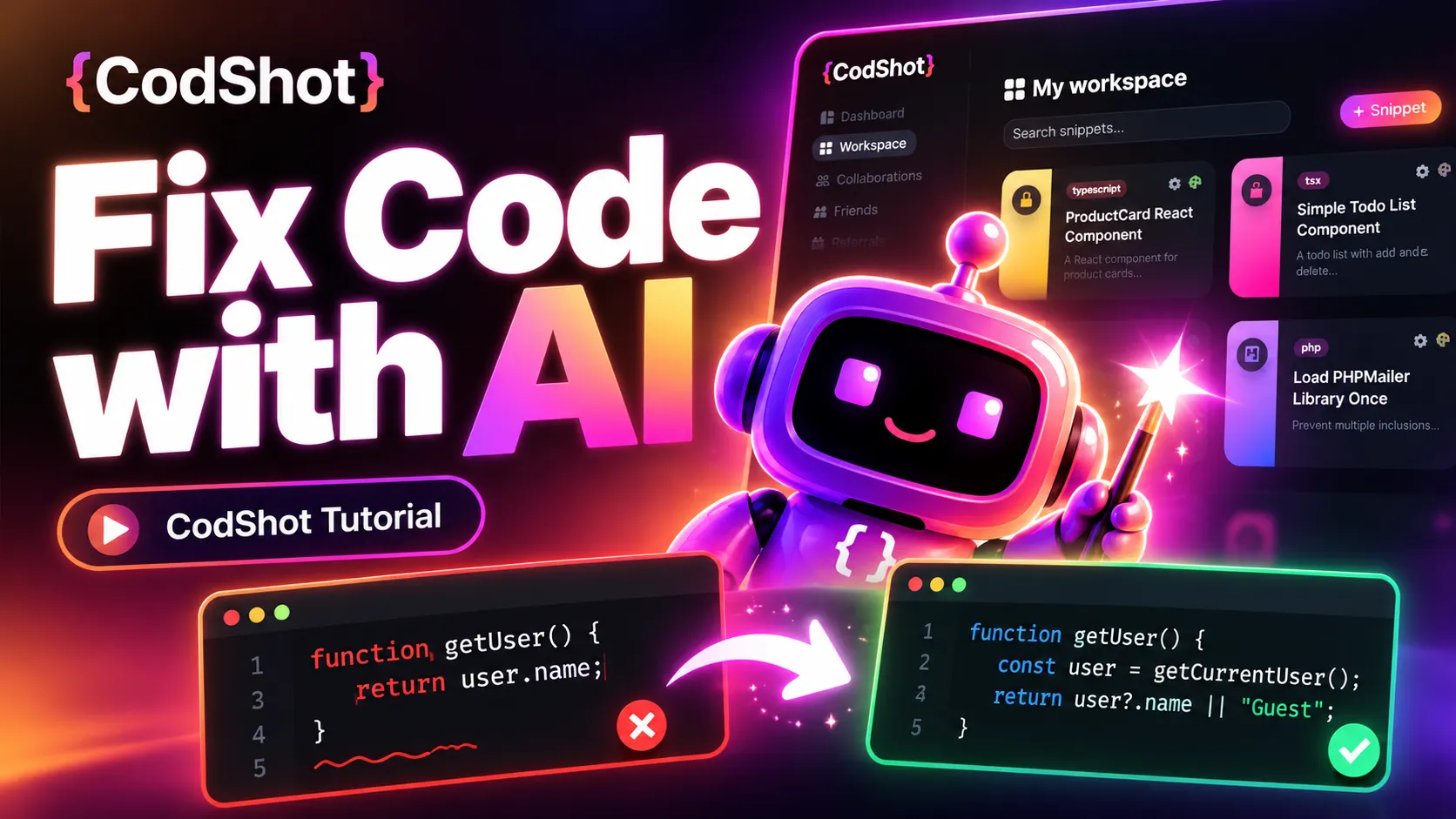
Fix and improve code Generate metadata faster Keep control with manual versions

Built-in AI tools help you improve and organize code faster.

IMAGE TO CODE
Drop it! Read it! Generate it!

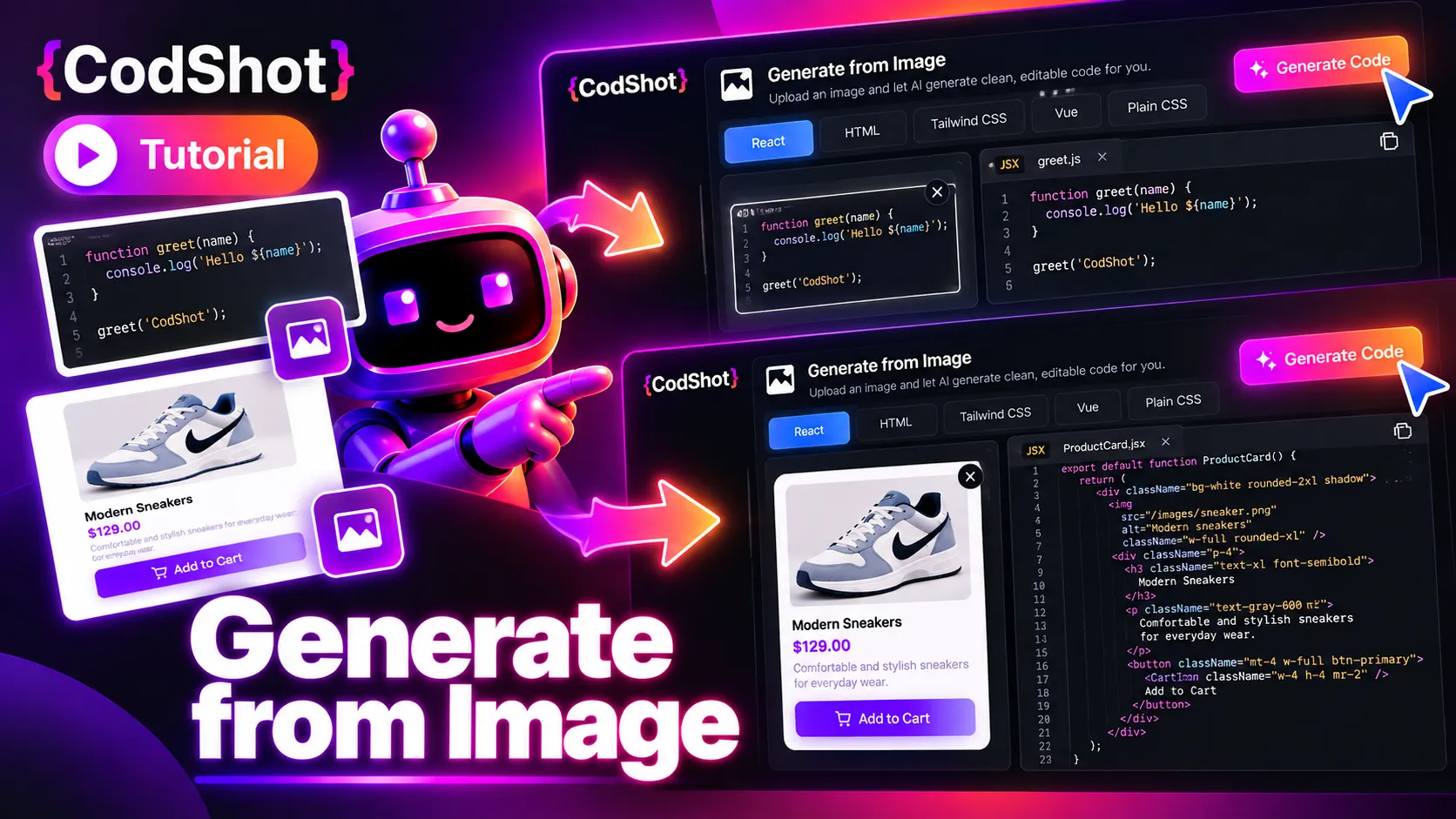
Turn images into usable code snippets.

From screenshots to reusable code

Upload a UI screenshot or code image and let CodShot turn it into editable code you can save, organize, and refine with AI.

Image to code Screenshots · UI blocks · Code images AI
Reusable snippets Generate and save instantly FAST
Export with PLUS or PRO
Read code from images Generate reusable snippets Perfect for UI layouts

Convert screenshots and UI references into reusable code snippets.

COLLABORATION
Share it! Review it! Build it!

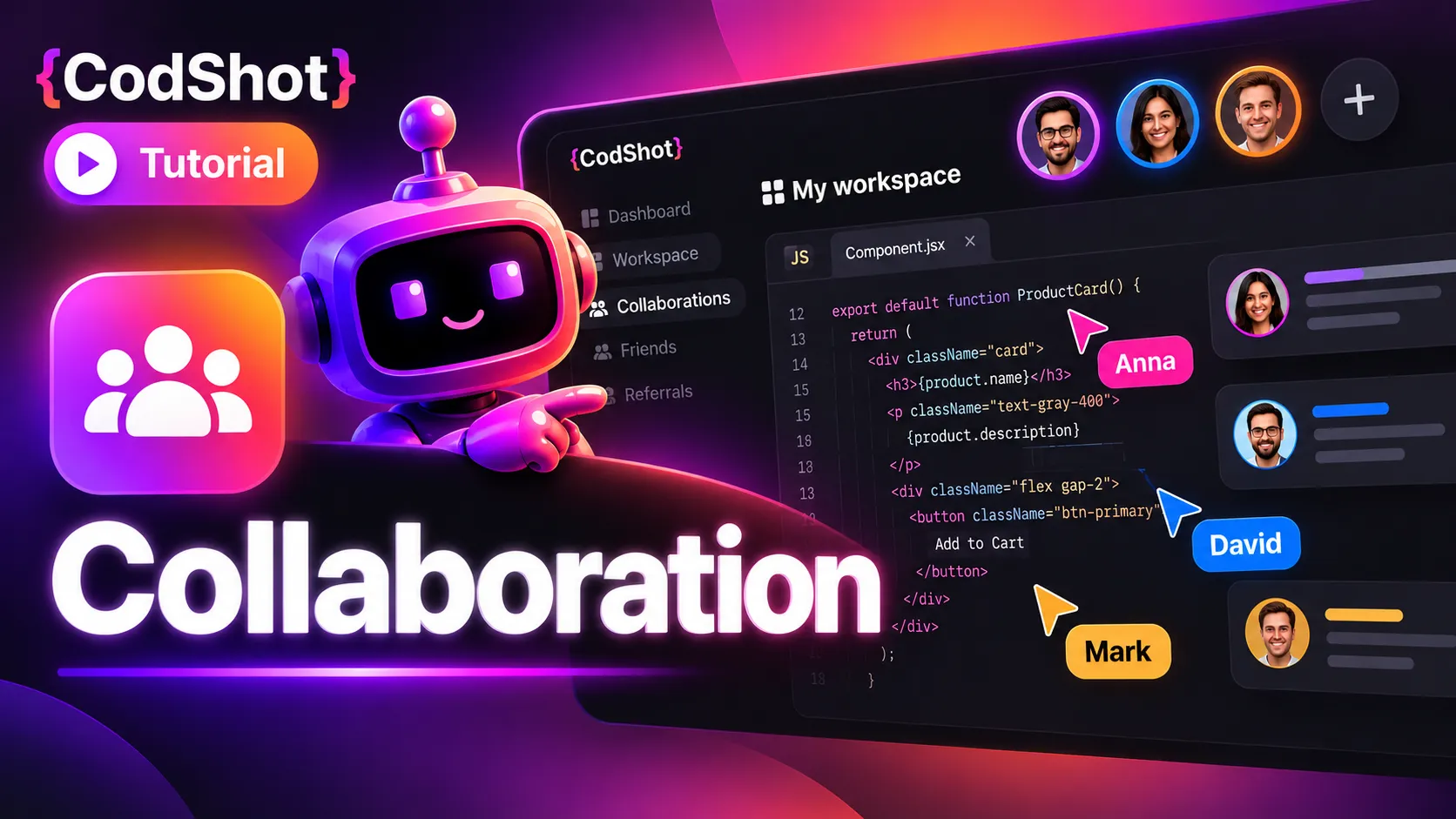
Collaborate on code with your team.

Great for students, teams, and shared projects

Invite classmates, teammates, or collaborators into projects, manage access, and work on reusable snippets together so everyone stays aligned in one workspace.

Shared projects Invite and work together TEAM
Manage collaborators Control access easily LIVE
Export with PLUS or PRO
Manage collaborators Work inside shared projects Great for teams and study groups

Work with collaborators inside shared projects and code snippets.

ORGANIZED WORKSPACE
Capture it! Group it! Find it!

Give every snippet a home. Keep every project organized.

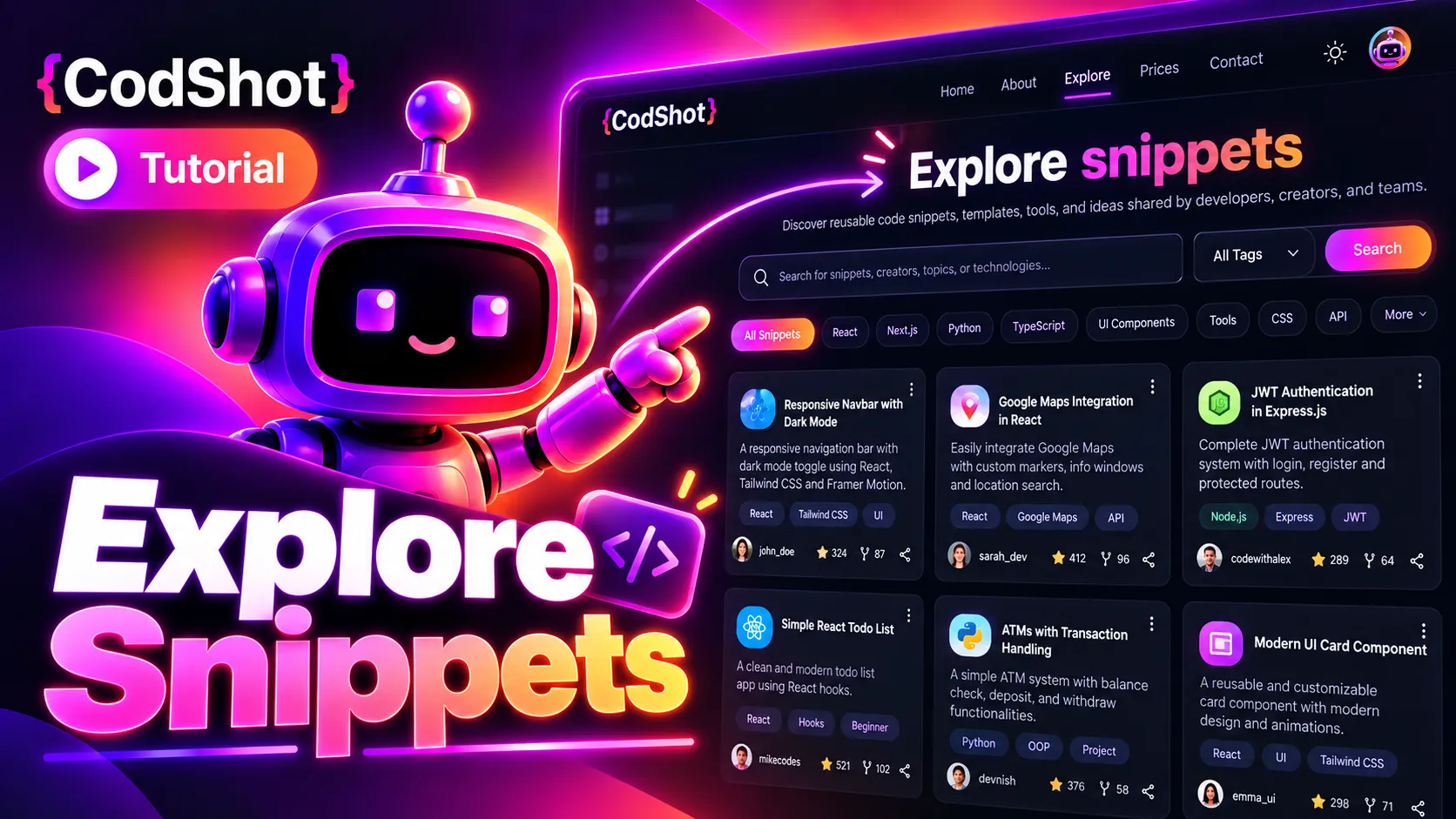
Structure for your growing code library

Bring related code, fixes, and notes together. Group snippets into collections and projects, keep your workspace easy to navigate, and quickly find what you need when you return to an idea.

Projects & Collections Organize · Nest · Browse CORE
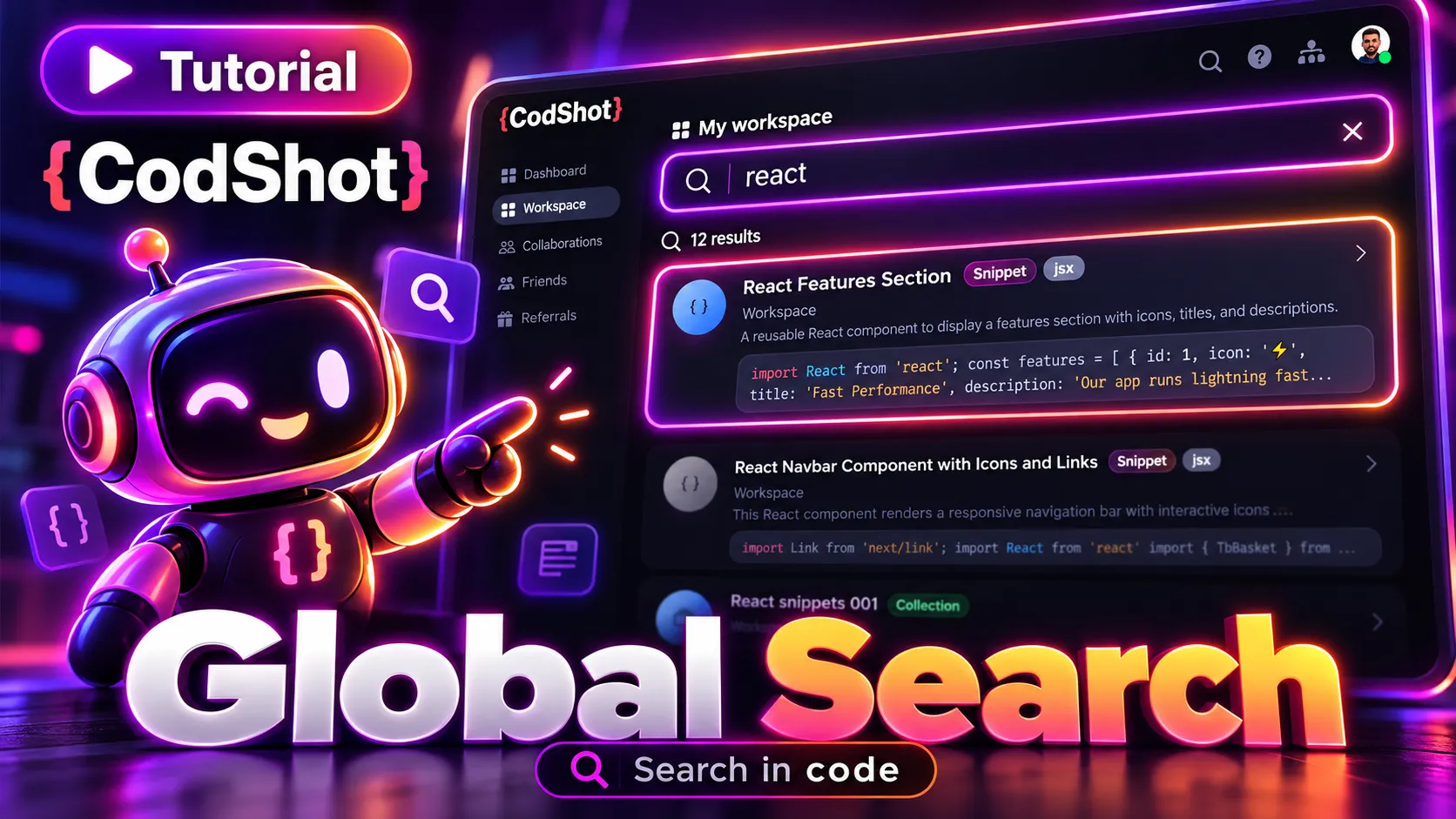
Workspace search Find the code you need FAST
Export with PLUS or PRO
Projects and collections Find snippets faster Keep related code together

Keep snippets structured inside projects and collections.

TREE VIEW
See it! Drag it! Reorganize it!

Rebuild your workspace with drag & drop.

Full hierarchy at a glance

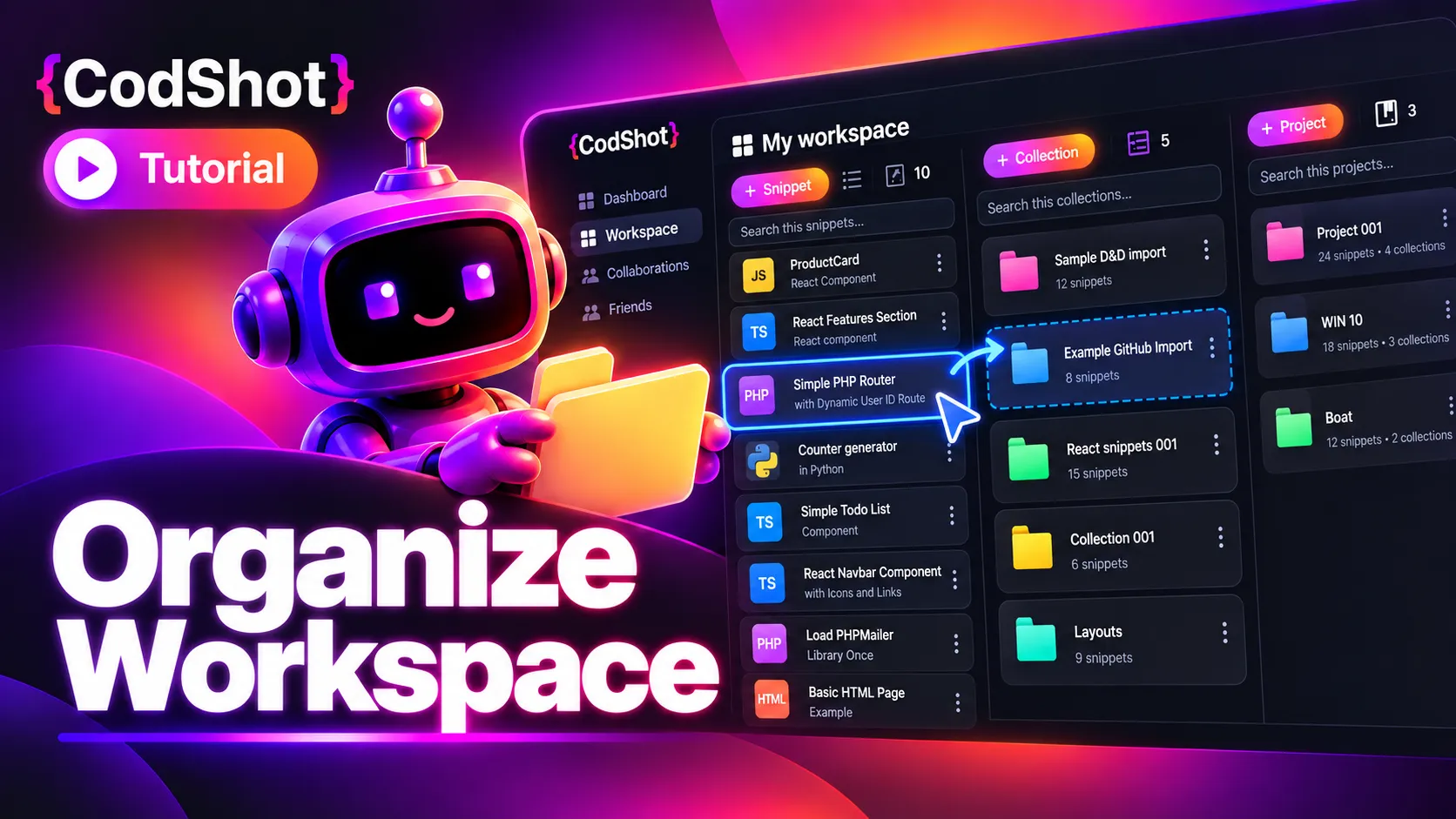
Open the workspace tree to view your full structure, expand projects and collections, and move items exactly where they belong with intuitive drag and drop.

Workspace tree See the full hierarchy CORE
Drag & drop Reorganize visually FAST
Export with PLUS or PRO
Full tree hierarchy Move items visually Faster workspace cleanup

See your full structure and reorganize it with drag and drop.

GitHub repository import

Bring your GitHub code into CodShot

Connect your GitHub repository, select the files and folders you need, and import them directly into your CodShot workspace.

Bring your GitHub code into CodShot
GitHub Repository Import NEW

Import GitHub code into CodShot.

Connect your personal GitHub account and import repository files or folders directly into your CodShot workspace.

GitHub → CodShot Read-only Personal repositories
VS Code Extension LIVE

Use CodShot inside VS Code.

Find, open, copy, insert, and save snippets from Visual Studio Code — without leaving your editor.

Find snippets Copy & insert Save new snippets
Install & getting started
Workspace export for PLUS and PRO

Why developers and students choose CodShot

CodShot is more than a snippet saver. It is a portable developer workspace for saving, organizing, improving, sharing, and exporting your code knowledge.

Build your coding knowledge base

Save snippets, fixes, architecture ideas, prompts, and reusable solutions in one searchable workspace.

Organize work at scale

Projects, collections, drag & drop, and Tree View keep growing code knowledge structured and manageable.

Export your workspace

Your code is not locked in. PLUS and PRO users can download their workspace and keep their coding knowledge portable.

Share and collaborate

Create public or private snippets, collaborate with teams, and build shared development knowledge.

AI-powered productivity

Generate code, improve snippets, create metadata automatically, and reduce repetitive work with AI assistance.

Control how you share

Publish snippets when you want, or keep snippets and notes private when your work needs more control.

Keep your workspace portable

Start free, then upgrade to PLUS or PRO when you want more room to grow, AI tools, and workspace export/download.

Compare plans
Syntax highlighting

Beautiful code highlighting for the languages you actually use

CodShot helps you save, organize and preview snippets with clean syntax highlighting across popular web, backend, scripting and data formats.

Start saving snippets
Popular languages
The languages and formats developers reach for every day.

Web frontend

HTML CSS JavaScript JSX TypeScript TSX

Backend & scripting

PHP Python Shell / Bash SQL

Typed languages

Java C C++ C# Go Rust Haskell

Data & markup

JSON YAML XML SVG Markdown
Use the language code when creating a snippet to get the best editor highlighting.
Show the full language arsenal
And that is just the beginning

Everything you might need — including the weird stuff.

CodShot is ready for much more than the usual web stack. From modern application languages to shells, templates, build tools, scientific languages and specialized formats, syntax support is loaded only when you need it.

More programming languages

Ruby Kotlin Swift Scala Dart Lua Perl R Julia Clojure Erlang Elm OCaml F# Fortran Groovy Pascal Tcl

Web, templates & styling

Vue Angular Jinja Handlebars Liquid Pug Sass SCSS LESS

Systems & tooling

PowerShell Dockerfile CMake Nginx TOML Protocol Buffers Diff Gherkin WebAssembly

More languages & formats

Objective-C Scheme Common Lisp Smalltalk Visual Basic VBScript CoffeeScript Cypher SPARQL XQuery
Language support is loaded on demand, so CodShot stays fast even with this broad syntax library.

Help shape the future of CodShot

Share feature ideas, workflow improvements, or productivity concepts. The best ideas may be rewarded and help define future CodShot updates.

Share your idea

Start building your developer workspace today

Create your account and build a workspace for snippets, AI-assisted development, project knowledge, and reusable solutions.

Get started

Stay in the loop

Get product updates, new features, and practical tips from CodShot.

CodShot AI Help
Ask about CodShot features, plans, workspace, AI credits, referrals, and public help topics.
Hi! I can help you understand how CodShot works. What would you like to know?
For account-specific or sensitive issues, please open a support ticket. Open support